Most busy days don't feel long because of the tasks themselves. They feel long because of the constant hopping between them: answer a message, start a report, pay a bill, back to the report, run out for one thing, open your email again. Every hop asks your brain to pack up one kind of thinking and unpack another, and that quiet effort adds up to real tiredness by the afternoon.
Grouping similar tasks together is one of the gentlest fixes for that. You don't need more willpower or a stricter schedule; you just stop asking your mind to change gears fifty times a day.
This guide covers task batching from the ground up: what it is, why switching tasks drains you, the six kinds of tasks that batch beautifully, a simple five-step way to start, ideas for work, home and personal life, how it fits with time blocking and themed days, and how to keep room for rest and real-life surprises.
Think of it less as a productivity trick and more as a kinder way to organize your attention.
What Is Task Batching?

Task batching means grouping similar tasks and doing them together in one focused block, instead of scattering them across your day. All your replies at once. All your errands in one loop. All your bills and paperwork in one sitting.
It works because similar tasks use the same tools, the same place and the same kind of thinking. Once you've opened your banking app, logged into the utility website and found your folder of receipts, paying three bills takes barely longer than paying one. The setup is the expensive part, so you only want to pay for it once.
A small honest admission: I once assumed batching was something only very organized people did. It turned out to be the opposite. It's what helps the rest of us feel organized without trying so hard.
Why Switching Between Tasks Costs Time and Focus
Psychologists who study attention describe something called a "switch cost": every time you move from one kind of task to another, your brain needs a moment to drop the old rules and load the new ones. Part of your attention also lingers on the task you just left (especially if it's unfinished), which makes the new task feel slower and fuzzier.
One switch is tiny. But a day full of them can leave you feeling busy and drained while very little actually feels finished. Common hidden switches include:
- Checking email "just quickly" between other tasks.
- Answering each message the moment it arrives.
- Running one errand per trip, several times a week.
- Paying bills one by one as they show up.
- Doing a little laundry, a little dishes, a little tidying, all day long.
If you often feel scattered, my guide on what helps when you have trouble focusing pairs well with batching. And if you'd like a whole system for collecting all those loose tasks first, my sister guide to GTD for beginners walks you through it.
6 Types of Tasks That Batch Well
Almost any repeating task can be batched, but these six groups give you the quickest wins.
1. Messages and Email

Messages are the biggest source of task switching for most of us. Instead of replying all day, choose two or three short message windows, for example 10 a.m., 1 p.m. and 4 p.m., about 20 minutes each.
- Work through replies top to bottom, oldest first.
- Anything that needs more than five minutes becomes its own task for later.
- Outside your windows, keep email and chat apps closed.
Fewer, better replies usually land well. Most messages don't need an answer within ten minutes, even if they feel like they do. If you worry about seeming slow, a short status line can help: "I check messages at 10, 1 and 4, so I'll reply by then. For anything urgent, please call." People adjust surprisingly quickly once they know when to expect you.
2. Errands

Plan one errand loop a week instead of several scattered trips. Keep a running list during the week, then do them in a single route: returns, post office, pharmacy pickup, dry cleaning.
- Order your stops so you never backtrack.
- Keep a cream canvas tote by the door and drop return items and envelopes into it as soon as they come up.
- Allow about 60 to 90 minutes, depending on your route.
3. Admin and Bills
Bills, forms, appointments, subscriptions and household paperwork are perfect for a weekly admin hour. Gather everything into one folder or tray as it arrives, then deal with it all in one sitting.
- Pay or schedule bills, file receipts, fill in forms, book appointments.
- Pick the same slot each week (Friday morning works well for many people).
- Put on music you like and make a cup of coffee or tea. Admin is easier with a little ritual.
A tip that keeps the hour short: start with anything that has a deadline, then the quick five-minute items, then filing. If something needs a long phone call or research, note it and move it to your call block or the following week, so the admin hour stays an hour.
4. Calls
Calls carry their own small warm-up: finding the number, the details, the account info, the courage (especially if phone calls make you a little anxious, as they sometimes do me). Group them into one 30-minute block.
- Write a three-line note before each call: who, what you need, the key detail (an account number, a date).
- Make the hardest call first, while your energy is fresh.
- Keep personal catch-up calls separate, when you can relax into them.
A mini script for nervous callers: "Hi, my name is ___, I'm calling about ___. I'd like to ___. Could you help me with that?" Having the first two sentences ready makes every call in the block a little easier to start.
5. Household Chores

Chores batch nicely by type or by tool. A laundry day where you wash, dry, fold and put away everything at once usually takes less total time than doing small loads all week, and it ends with a satisfying "done."
- Laundry day: sort, start the first load, and fold while the next one runs.
- Bathroom batch: wipe every sink and mirror in the house with one cloth and one spray.
- A big soft lavender laundry basket makes carrying everything room to room in one trip easier.
6. Creative Work
Writing, designing, planning, journaling, anything that needs deep thinking does best in long, uninterrupted stretches. Creative work is less about speed and more about getting into flow, which is hard to reach in ten-minute gaps.
- Protect at least one 60 to 120 minute block for it, ideally when your mind feels clearest.
- Batch similar creative tasks: write three drafts in a row, or plan a whole month of content in one sitting.
- Keep the block clear of messages and admin.
Task Batching Plan at a Glance
Here's how a simple batching week could look. The time saved is a rough estimate compared with doing the same tasks scattered through the week; your own numbers will vary. Screenshot the table and adjust it to your life.
| Batch | Tasks inside | When | Time needed | Time saved (rough) |
|---|---|---|---|---|
| Message windows | Email, texts, work chat, voicemail | Daily at 10 a.m., 1 p.m., 4 p.m. | 3 × 20 min | 30–60 min a day |
| Errand loop | Returns, post office, pharmacy, dry cleaning | Once a week, e.g. Saturday morning | 60–90 min | 1–2 hours a week |
| Admin hour | Bills, forms, receipts, appointments, subscriptions | Weekly, e.g. Friday morning | 45–60 min | About 1 hour a week |
| Call block | Appointments, insurance, service providers | Weekly or twice a week | 30 min | 20–40 min a week |
| Laundry day | Wash, dry, fold, put away, change sheets | One set day a week | 2–3 hours (mostly waiting) | 1 hour a week |
| Creative block | Writing, planning, design, journaling | 2–3 times a week, your clearest hours | 60–120 min | Better focus and fewer restarts |
| Rest block | Tea, a walk, reading, doing nothing | Daily, plus one longer slot on the weekend | 30 min to a few hours | Energy for everything else |
How To Start Task Batching in 5 Steps

You can set up a first version of batching in about 30 minutes. Here's the order I'd follow:
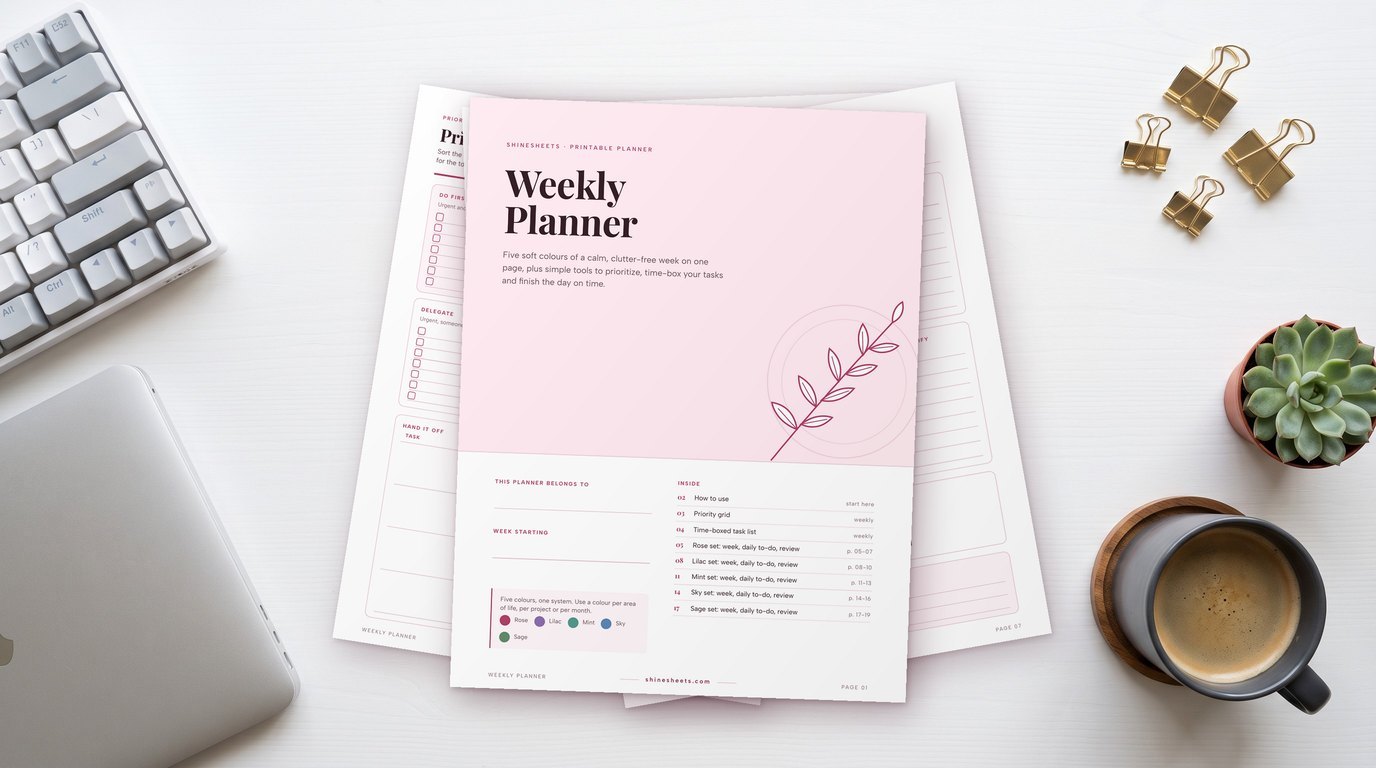
- List your repeating tasks. Write down everything you do at least once a week: replies, bills, errands, chores, calls, recurring work tasks. Don't organize yet, just list. An undated weekly planner gives you room for the list and the week ahead in one place.
- Sort them into groups. Circle tasks that use the same tool, place or kind of thinking. A set of pastel highlighters makes this fast: one color for messages, one for errands, one for admin, one for home.
- Choose days or time blocks. Give each group a home on your calendar: "admin hour, Friday 9 a.m.," "errand loop, Saturday 10 a.m.," "message windows, three times a day." Start with only two or three batches in week one.
- Set a timer. A visible timer keeps a batch from swelling to fill the whole afternoon. A pastel timer cube is lovely here, because you just flip it to 15, 30 or 60 minutes without picking up your phone.
- Protect the block. Turn notifications off, close unrelated tabs, put your phone in another room if you can. A batch only works if the other tasks stay outside it.
If you'd like to fit these blocks into a full plan for the days ahead, my simple 20-minute weekly planning routine shows you how.
Task Batching Ideas for Work, Home and Personal Life
Batching looks a little different in each part of life. Borrow the ideas that fit and leave the rest.
Task Batching at Work
- Group all meetings on two or three days and keep the others meeting-light.
- Batch small approvals and sign-offs into one 20-minute slot.
- Write all weekly reports or updates back to back on the same afternoon.
- Keep a "for my manager" note and bring every question to your next check-in instead of sending them one by one.
A tidy space helps the blocks feel calmer, and a cream desk organizer keeps the pens, sticky notes and folders for each batch within reach.
Task Batching at Home

- Laundry day: everything washed, folded and put away on one set day.
- Reset hour: one weekly hour to tidy every room in the same order.
- Bathroom loop: clean every sink, then every toilet, then every floor, room by room.
- Plant care: water, wipe leaves and check soil for every plant at once.
Task Batching for Your Personal Life
- Birthday batch: once a month, buy and write cards for every birthday coming up.
- Phone tidy-up: clear photos, apps and notifications in one sitting each month. My guide to a digital declutter makes that block easy.
- Self-care evening: nails, a face mask, eyebrows and a long bath in one slow evening instead of squeezed in between chores.
- Catch-up calls: one relaxed Sunday slot to call friends or family who live far away.
Pairing Task Batching With Time Blocking and Themed Days

Batching decides what goes together. Time blocking decides when it happens. Used together, they turn a scattered list into a calm, predictable rhythm. You simply give each batch its own block on the calendar, the same way you'd book an appointment. My guide on time blocking for beginners explains how to build those blocks gently.
Themed days take it one step further. Instead of tiny batches every day, a whole day leans toward one kind of work, for example:
- Monday: planning and admin.
- Tuesday and Wednesday: deep or creative work.
- Thursday: meetings and calls.
- Friday: wrap-up, errands and loose ends.
You don't need to theme every day. Even one themed day, like a "home day" on Saturday, can make the rest of the week feel lighter. For focus inside a long block, short sprints from the Pomodoro technique work nicely: 25 minutes of work, 5 minutes of rest, repeated.
Signs a Batch Is Too Big
Batching should feel like relief, not a marathon. Your batch may need splitting if:
- You regularly run more than 30 minutes over the block.
- You dread the block all week.
- Quality drops toward the end (sloppy replies, missed details).
- Things inside the batch can't actually wait that long, so they keep leaking out.
- You need a long nap afterwards.
The opposite can happen too. If a batch keeps finishing in ten minutes, it may be too small to be worth its own slot, so fold it into a neighboring block (calls can often join the admin hour, for example).
The fix for an oversized batch is usually simple: split one big batch into two smaller ones (two admin half-hours instead of one long morning), or move the hardest tasks to the start while your energy is fresh.
How To Stay Flexible for Urgent Things
Real life doesn't always wait for your admin hour, and that's okay. A few small habits keep batching kind rather than rigid:
- Keep a buffer block. Leave 30 minutes a day unplanned for surprises.
- Use a quick urgency test. Ask: "Will something go wrong if this waits until the next batch?" If yes, do it now. If not, add it to the batch list.
- Let VIPs through. Allow calls or messages from a few important people even during focus blocks.
- Move, don't cancel. If a block gets interrupted, slide it to another slot instead of dropping it entirely.
It also helps to review your batches once a week. Look back at which blocks you kept, which ones you skipped and why. A skipped block isn't a failure; it's information. Maybe Friday mornings are never quiet, so admin moves to Thursday. Maybe your errand loop works better on the way home from somewhere you already go. Small adjustments like these turn batching into a rhythm that fits your real life rather than an ideal week on paper.
Batching is a guide, not a rule. A week where half your batches worked is still a calmer week.
Why Rest Counts as a Block Too

When you start reclaiming hours, it's tempting to fill every one of them with more tasks. Please don't. The point of batching is to make room for a life, not just a longer list.
Give rest a real block on your calendar, the same as your admin hour: a 20-minute tea break in the afternoon, an evening walk, a slow Sunday morning. My favorite is evening tea followed by a few minutes of journaling, with a glass candle lit and nothing else expected of me. Rest is not a reward for finishing everything; it's what keeps you able to do anything at all.
And if you feel exhausted no matter how well you plan, be gentle with yourself and consider talking to a doctor. Some tiredness is a message, not a scheduling problem.
Final Thoughts
Task batching isn't about squeezing more into your days. It's about giving your attention fewer interruptions, so the things you do get your full focus and the time left over truly feels like yours.
Start with one batch this week, maybe a message window or an errand loop, and notice how it feels. Small, steady changes like this are how calmer weeks are built, one gentle block at a time.