A second brain isn't a fancy productivity system. It's simply one trusted place outside your head where ideas, plans and little things to remember can live, so your mind doesn't have to hold them all at once. When you stop using your memory as a storage unit, it gets to do what it's actually good at: thinking, noticing and resting.
The best part is that you don't need a special app, a color-coded dashboard or a weekend of setup videos. A notebook and a few broad sections work just as well as anything on a screen. What matters is that you trust it, so you actually put things in and actually take them out again.
This guide is a gentle second brain for beginners: what it is, why it lightens the load, the four simple parts (capture, organize, review, use), a table that shows where every kind of note goes, a one-afternoon setup, how to name notes so you can find them, what to save and what to skip, and a sample week so you can see it in real life. No hustle, no guilt, no perfect system required.
What a Second Brain Actually Is

Think of it as a calm home for everything your brain keeps trying to remember: the book a friend mentioned, the gift idea for your sister, the plan for repainting the hallway, the question you want to ask at your next appointment, the quote that made you pause and reread it.
Without a home, those things float around in your head and pop up at the worst moments (3 a.m., mid-shower, while you're trying to fall asleep). With a home, you can write them down once and let them go, knowing they'll be there when you need them.
A second brain is not:
- A to-do list you feel guilty about.
- An archive of every article you've ever liked.
- A project that has to look pretty before it's allowed to work.
- Something that only works in one specific app.
It's just a habit: put things in one place, keep that place roughly tidy, and look at it when you need it. That's genuinely the whole idea.
Why a Second Brain Lightens the Mental Load
Your brain is wonderful at ideas and terrible at storage. Every open loop ("don't forget to email back," "remember that recipe site," "what was the name of that paint color?") takes up a little background energy. One or two are fine. Thirty of them make you feel tired before the day has even started.
I'm prone to anxiety, and I've noticed that a lot of my late-evening worry isn't about big things at all. It's about small things I'm scared I'll forget. Writing them down somewhere I trust takes the edge off surprisingly fast. If you often feel like you're carrying the whole household calendar in your head, my guide to the mental load and how to lighten it pairs beautifully with this one.
A second brain helps in three quiet ways:
- Less background buzz. Once a thought is captured, your brain can stop rehearsing it.
- Better decisions. When your notes for a project are in one place, you can see the whole picture instead of the last thing you remembered.
- More creativity. Ideas you saved months ago start connecting with new ones. That's when it starts to feel a little bit like magic.
The 4 Parts of a Simple Second Brain
Every second brain, paper or digital, comes down to the same four parts. You don't need to master them in order. Most beginners start with capture, add a few folders, and grow into the review and use parts over a few weeks.
1. Capture: One Inbox for Everything

Capture means getting the thought out of your head the moment it shows up, without deciding where it belongs yet. The golden rule: one inbox. Not five sticky notes, three apps and the back of a receipt. One place.
On paper, that could be a small pocket notebook in your bag or a cream dotted A5 notebook on your desk with the first few pages marked "Inbox." Digitally, it's one note called "Inbox" pinned at the top of whatever notes app is already on your phone.
Keep captures quick and messy. A good capture takes under 30 seconds:
- "Gift idea for Mom: silk scarf, soft blue."
- "Call dentist about cleaning."
- "Idea: reorganize pantry with clear bins."
- "Book: the one Sarah loved, ask her the title."
No formatting, no tags, no worrying about spelling. You'll sort it later. The only job right now is to catch it.
2. Organize: Four Broad Homes
Once a week (or whenever your inbox gets full), you move captures into a few broad homes. The simplest structure, which works on paper and on any app, uses just four:
- Projects: things with a finish line. "Plan the birthday dinner," "redo the guest room," "switch phone plans."
- Areas: ongoing parts of life with no end date. Home, health, money, friendships, self-care.
- Resources: things you're curious about or want to keep for later. Book lists, gift ideas, decor inspiration, quotes.
- Archive: finished projects and things you don't need now but might want someday.
On paper, divide your notebook with pastel tab dividers, one color per home. Digitally, make four folders and resist the urge to create twenty sub-folders on day one. Broad homes are easier to keep up with than perfect ones, and you can always split a folder later once it gets crowded.
A tiny tip: ask "When will I need this?" instead of "What is this about?" A paint color for the hallway goes in the hallway project, not in a folder called "Colors." Organizing by when you'll use something keeps it findable.
3. Review: A Weekly 15-Minute Tidy

This is the part that turns a pile of notes into a system you trust. Once a week, set a timer for 15 minutes and do three things:
- Empty the inbox (about 8 minutes). Move each capture into a project, area or resource, or cross it out if it no longer matters.
- Glance at your projects (about 5 minutes). For each one, ask: what's the next small step? Write it down.
- Archive what's done (about 2 minutes). Move finished projects to the archive so your active list stays short.
I'd pick a time that already feels calm, like Sunday afternoon with tea, or Friday after work with a cream ceramic coffee mug of something warm. If you already plan your week, slip this review right before it. My simple 20-minute weekly planning routine has a spot where it fits perfectly.
Missed a week? That's fine. The inbox will just be a bit fuller. Nothing breaks.
4. Use: Find It and Act on It
A second brain only matters if you actually open it. The goal isn't a beautiful collection, it's a lighter week. A few easy ways to use it:
- Before a task: open the project page first. Planning a dinner? Your saved menu ideas, guest notes and table inspiration are already waiting.
- When you feel stuck: flip through your resources section for five minutes. Old ideas often solve new problems.
- Before buying something: check your gift or home notes first. You may have already saved the exact thing.
- When someone asks "What was that thing you mentioned?" you can actually find it, which feels wonderful.
Second Brain Table: Where Every Note Goes
This is the part most beginners wish someone had shown them first. Screenshot it and keep it near your notebook until sorting feels automatic.
| Note type | Where it goes | How often to review | Example |
|---|---|---|---|
| Quick thought or reminder | Inbox | Weekly (empty it) | "Ask landlord about the dripping tap" |
| Next step for a goal with an end date | Projects | Weekly | "Guest room: measure window for curtains" |
| Ongoing life info | Areas | Monthly | Health: questions for your next checkup |
| Gift ideas | Resources | Before birthdays and holidays | "Best friend: loves lavender, glass candles" |
| Books, shows, podcasts to try | Resources | When you need something new | "Novel a coworker recommended" |
| Home and decor inspiration | Resources (or a project if active) | Monthly | "Sage and cream bedroom palette" |
| Quotes and things that moved you | Resources | Whenever you want a lift | A line from a book you loved |
| Passwords or ID numbers | Not here (use a secure password manager) | Never in your notes | Keep these out of any notebook |
| Finished projects | Archive | Once or twice a year | "Birthday dinner: what worked" |
Notice how few categories there are. That's on purpose. The fewer decisions you make per note, the more likely you are to keep going.
Paper vs Digital: Which One Is Right for You?
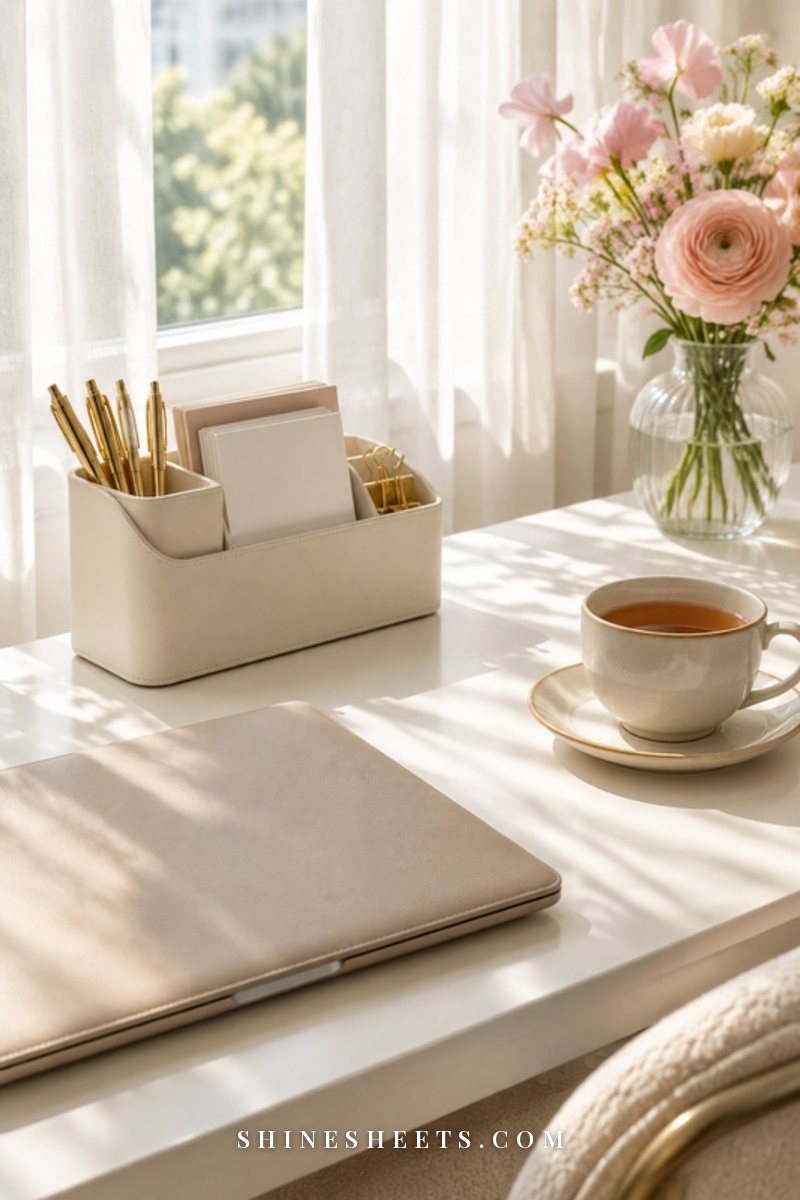
Both work. Neither is more "serious." The right one is the one you'll open without resistance. A quick look at each:
- Paper pros: calming, no notifications, easier to remember what you wrote, lovely to flip through with tea.
- Paper cons: harder to search, not always with you, can fill up fast.
- Digital pros: searchable in seconds, always in your pocket, easy to copy links and photos.
- Digital cons: distracting, tempting to over-organize, easy to save too much because it costs nothing.
Many people end up with a gentle mix: paper for thinking and planning, phone for quick captures and links. If you're torn, my comparison of a paper planner vs a digital planner walks through the same question for planning, and most of it applies here too.
My honest suggestion: start with whatever is already in your hands. A notebook you own or a notes app already on your phone. You can switch later. Starting is the hard part, not choosing.
How To Set Up Your Second Brain in One Afternoon

Give yourself about two hours, a drink you love and no pressure to finish perfectly. Here's the order I'd follow:
- Choose your home (10 minutes). One notebook or one app. Not both on day one.
- Create the four sections (15 minutes). Inbox, Projects, Areas, Resources, plus a few pages at the back for Archive. In a notebook, leave about 10 pages for the inbox and split the rest.
- Do a brain dump (30 minutes). Set a timer and write down everything on your mind: tasks, ideas, worries, things to buy, things to remember. Don't sort. Just empty.
- Sort the dump (30 minutes). Move each line to its home, using the table above. Cross out anything that doesn't matter anymore (it feels great).
- List your active projects (15 minutes). Keep it to five or fewer. Everything else can wait in "someday" inside Resources.
- Pick your weekly review time (5 minutes). Write it somewhere you'll see it.
- Gather loose papers (15 minutes). Receipts, warranties and printed info go into a simple file box so they stop floating around.
For those loose papers, a white desk file box with four folders that match your four notebook sections keeps paper and notes speaking the same language. And if you love color-coding, a soft lavender pen set is a sweet way to mark next steps so they stand out during your review.
How To Name Notes So You Can Find Them
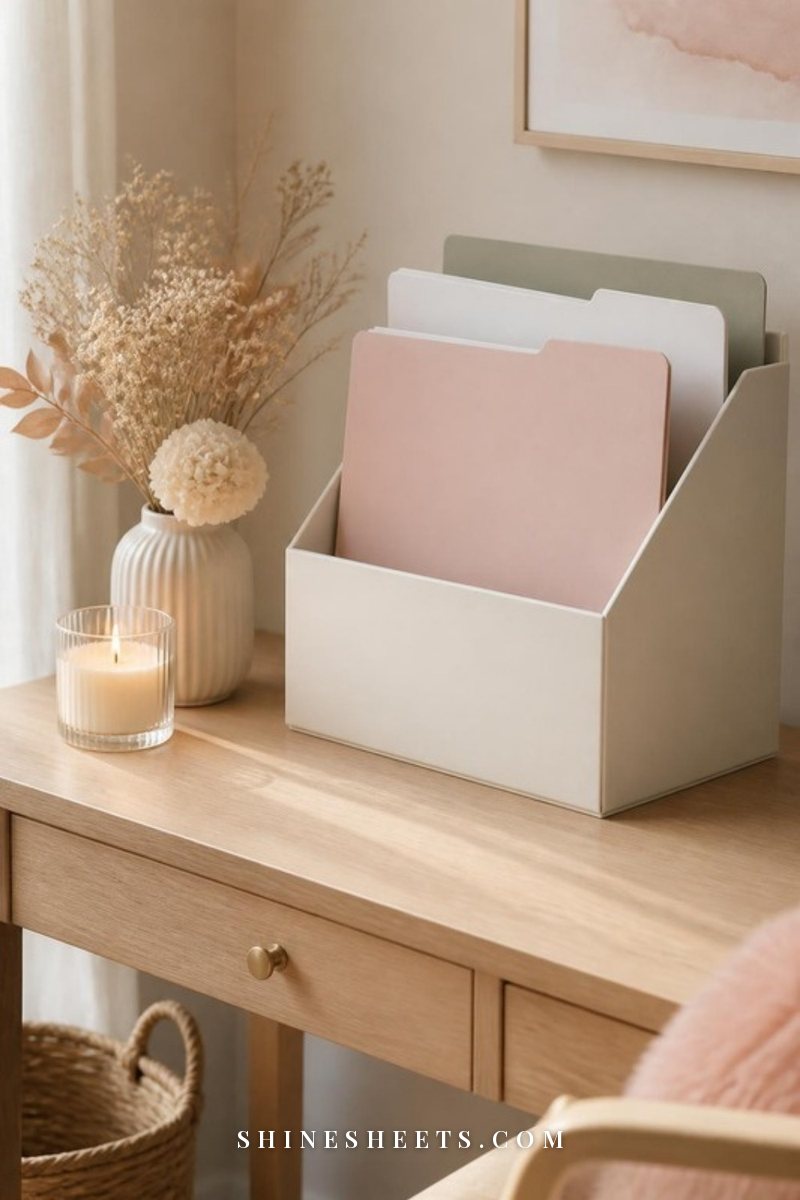
A note you can't find is a note you didn't save. A simple naming habit fixes most of that. Try this formula:
Topic + what it is + (optional) when.
- "Guest room – curtain measurements"
- "Gifts – best friend ideas"
- "Health – questions for checkup"
- "Trip – packing notes, spring"
Start with the word you'd search for or flip to. Most people search by topic ("guest room"), not by type ("measurements"). In a notebook, write the topic in the top corner of the page and keep a one-page index at the front with page numbers. It takes two seconds per page and saves you endless flipping.
Avoid vague titles like "Ideas," "Misc" or "Stuff." Future you will have no idea what's inside.
What To Save and What To Skip

The quickest way to burn out on a second brain is to save everything. More notes don't make you more organized. They just make a bigger pile.
Save:
- Things you'll need to act on (tasks, appointments, next steps).
- Ideas you genuinely want to come back to.
- Information that's annoying to find again (measurements, sizes, settings, favorite paint colors).
- Things that made you feel something: a quote, a lesson, a kind message.
Skip:
- Articles you "might read someday" (be honest, most never get opened).
- Anything you can easily search for again in seconds.
- Duplicates of things already stored elsewhere, like your email or photos.
- Sensitive details such as passwords and ID numbers.
If your phone is already overflowing with screenshots and half-written notes, a quick digital declutter of your phone, email and photos before you start makes everything feel lighter. Think of it as clearing the desk before you set up a new lamp.
How To Keep It Light
Second brains go wrong when they become a second job. A few gentle guardrails:
- No perfect setup. Messy and used beats beautiful and empty, every single time.
- No endless tagging. If you use tags at all, keep it to three or four, like "next step," "waiting" and "someday."
- No guilt for missed reviews. Just pick it up again next week. It's a tool, not a test.
- Five active projects, max. More than that and everything feels urgent.
- Delete freely. Archiving and crossing out are part of the system, not a failure of it.
If you enjoy the creative side of paper, borrow a page or two from my bullet journal ideas for beginners, like a simple index or a monthly overview. Just keep the decorating optional, so it never stands between you and actually using your notes.
Common Beginner Mistakes and Easy Fixes
Almost everyone stumbles on the same few things in the first month. None of them mean you're bad at this. They just mean you're new.
- Too many inboxes. Notes end up in texts to yourself, sticky notes and three apps. Fix: pick one inbox and gently redirect everything there for two weeks until it becomes a reflex.
- Sorting while capturing. Deciding where a note belongs slows you down, so you stop capturing. Fix: capture now, sort on review day.
- Building before using. Spending hours on layouts and folders before saving a single real note. Fix: give setup one afternoon, then start living with it and adjust as you go.
- Never opening it. Notes go in but nothing comes out. Fix: before any task, ask yourself "Do I have notes on this?" and check first.
- Saving out of fear. Keeping everything "just in case." Fix: if you can find it again in under a minute online, let it go.
If one of these sounds exactly like you, smile at it, fix just that one thing this week and leave the rest alone. Small adjustments add up faster than a full redo.
A Sample Week With Your Second Brain
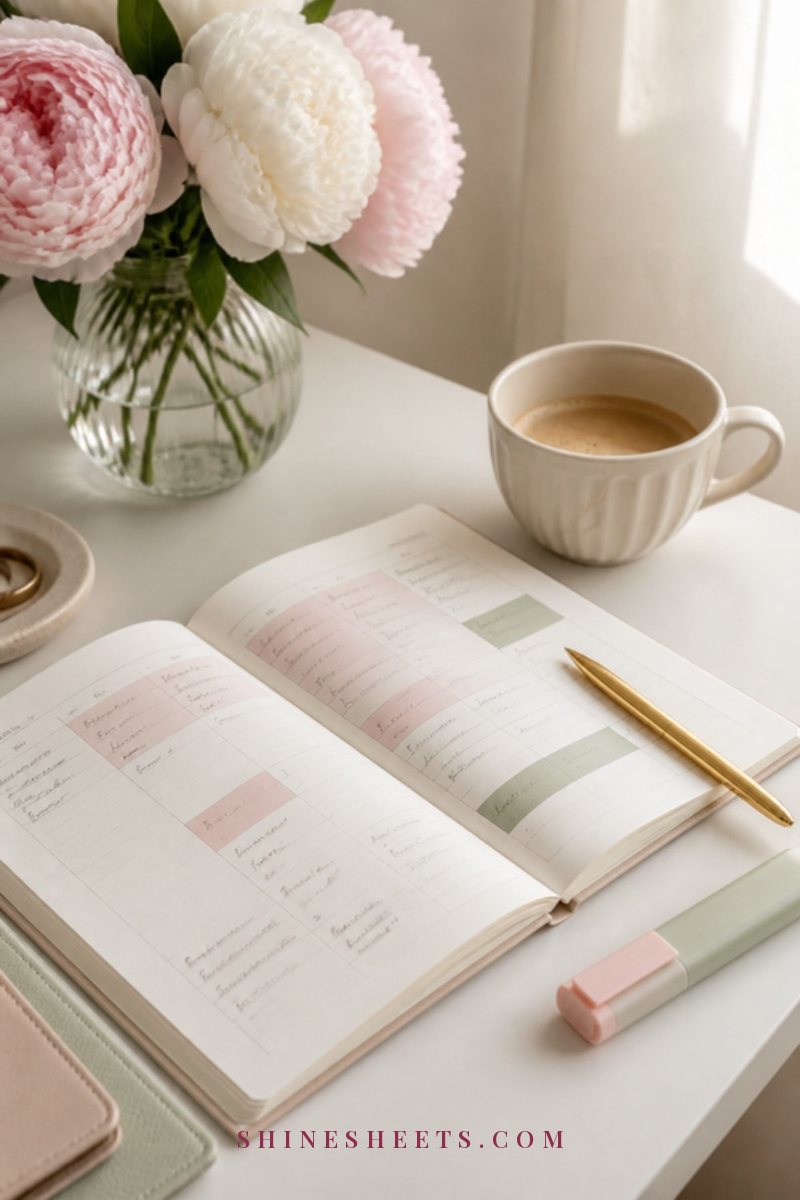
Here's what a normal, unglamorous week can look like once it's set up. Notice how little time it actually takes.
- Monday: You remember the car needs an oil change while waiting for the kettle. Thirty seconds in the inbox. Done.
- Tuesday: A friend recommends a book at lunch. Inbox. You also jot "birthday dinner – ask about allergies."
- Wednesday: You find a cream and sage bedroom photo you love. One quick note: "Bedroom – color idea."
- Thursday: Before calling the insurance company, you open the "Money" area and find last year's policy notes in seconds.
- Friday: Nothing new. That's allowed.
- Saturday: You plan the birthday dinner by opening the project page: guest list, allergy notes and table ideas are already there.
- Sunday: Your 15-minute review with tea. Empty the inbox, write one next step per project, archive anything finished. Close the notebook and enjoy your evening.
That's it. A few seconds here and there, one short review, and a head that feels noticeably quieter by Sunday night.
Final Thoughts
A second brain doesn't make you a different person. It just gives the thoughts you already have a soft place to land, so you can stop holding them so tightly.
Start small: one inbox today, four sections this weekend, one gentle review next Sunday. Let it be imperfect and a little messy. Over time, you'll find that you remember more by trying to remember less, and that kind of lightness is worth every quick note.