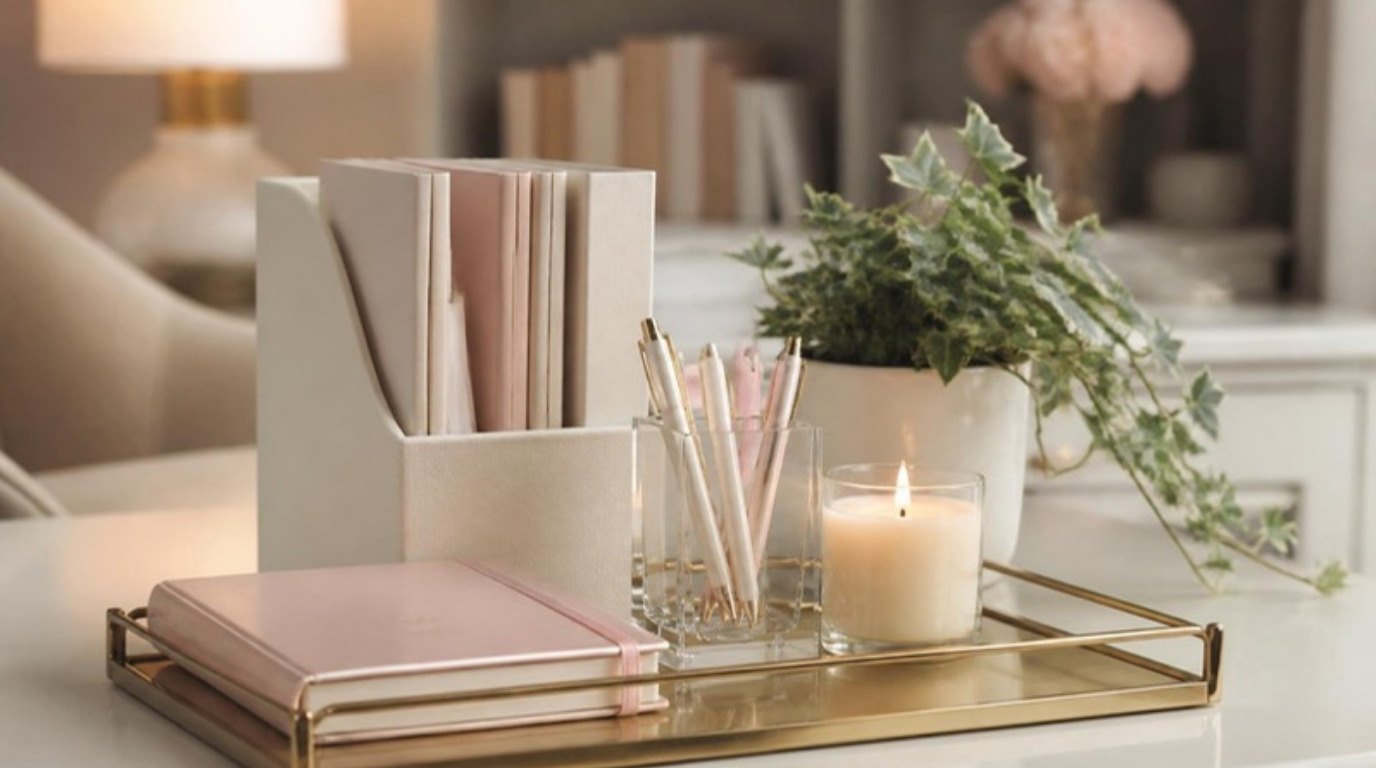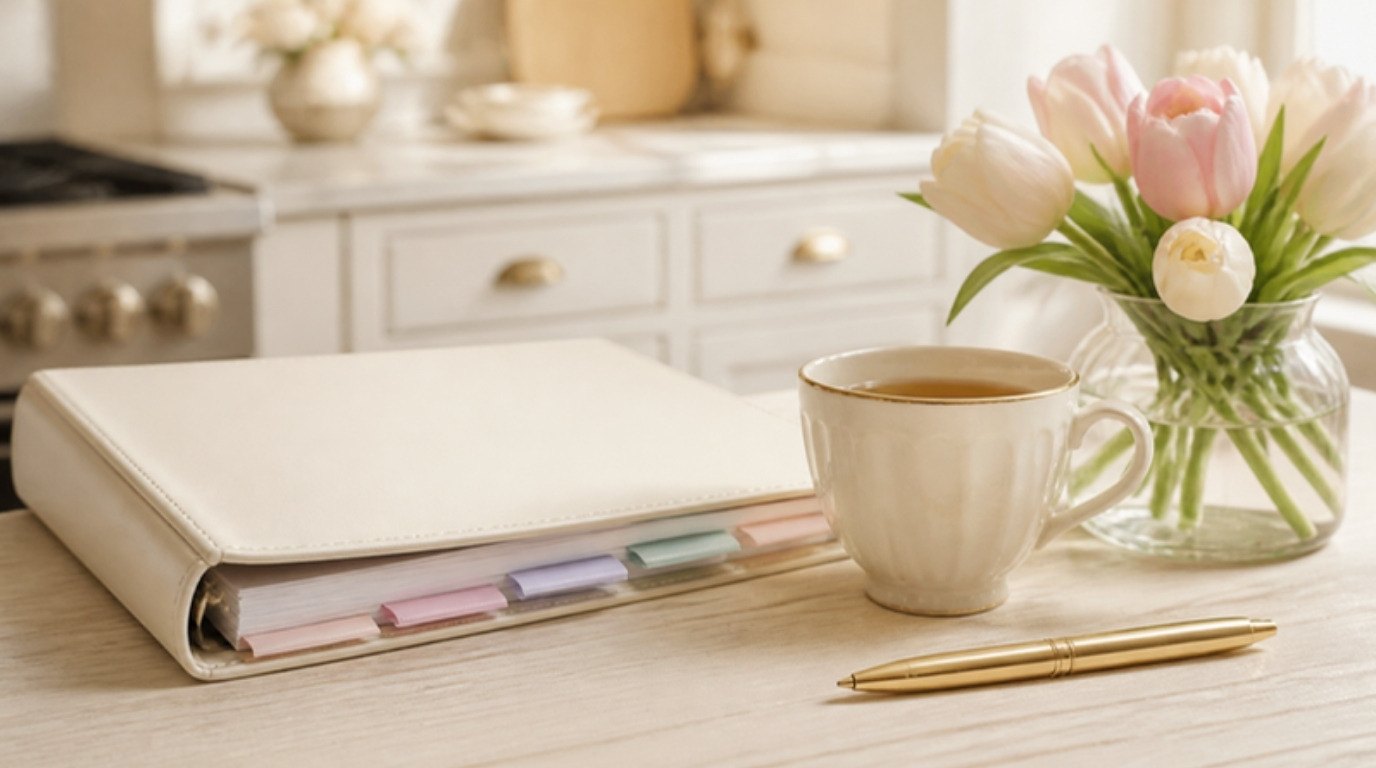
Every home has a brain: the dates, numbers, routines and little pieces of information that keep everything running. In most homes, that brain lives in one person's head, scattered across sticky notes, email threads and "I'll remember it later." A home management binder simply moves it onto paper, into one place, where anyone can find it.
It isn't about becoming a hyper-organized person with color-coded everything. It's about not having to search for the plumber's number while water drips onto the floor, or wonder when the furnace filter was last changed. Less remembering, more living. I'm prone to anxiety, and few things calm me down faster than knowing exactly where the important stuff is.
This guide is all about the home management binder: what it is, whether paper or digital suits you better, the exact sections to include (and the one thing to keep out), a section-by-section table with what goes in and how often to update it, how to set the whole thing up in a single afternoon, and a simple weekly habit that keeps it useful.
Grab a cup of tea. By the end of today, your household brain can have a home of its own.
What Is a Home Management Binder?

A home management binder is one physical (or digital) folder that holds the information and routines your household relies on. Think of it as an owner's manual for your life at home: the calendar, the cleaning rhythm, the budget overview, important contacts, appliance details and a log of home repairs, all in one spot.
It's not a planner you fill in daily, and it's not a filing cabinet for every receipt. It sits somewhere in between. A planner tells you what's happening this week. A filing system stores documents you rarely need. The binder holds the working information you reach for every week or every month, and the details you'll desperately want in a hurry.
The best ones are simple. Ten sections, clear tabs, and pages you actually look at. Anything fancier tends to be abandoned by February.
Why a Home Management Binder Helps
The real benefit isn't neatness. It's relief. When household information only lives in your memory, it quietly takes up space all day long. That invisible work is a big part of the mental load, and a binder is one of the most practical ways to set some of it down.
- You stop re-solving the same problems. Which filter size? Which day is trash pickup? When does the car registration expire? Look it up once, write it down, done.
- Other people can help. A partner, roommate or house sitter can find what they need without asking you.
- Emergencies feel more manageable. The insurance number, the shut-off valve location and the vet's after-hours line are right there.
- Your routines become visible. Seeing the cleaning rhythm and budget on paper makes it easier to notice what's working and what's too much.
Paper vs Digital: Which Is Right for You?
There's no wrong answer, only the one you'll actually open. Here's how they compare:
- Paper binder: Easy to grab, easy for anyone in the home to use, works when the Wi-Fi doesn't, and there's something calming about flipping through real pages. The downside is that it lives in one place and needs a little effort to update.
- Digital binder: A shared folder or notes app with one note per section. It's searchable, always on your phone and easy to share. The downside is that it's easy to forget it exists, and harder to hand to someone in a hurry.
- Hybrid (my suggestion): Keep the everyday sections (calendar, cleaning, meal planning, contacts) on paper where everyone sees them, and keep account details and scanned documents digitally in a secure place.
If you're starting from a pile of loose papers, it may help to sort those first with my guide on how to organize paperwork, then build the binder from what's left.
What You Need To Get Started
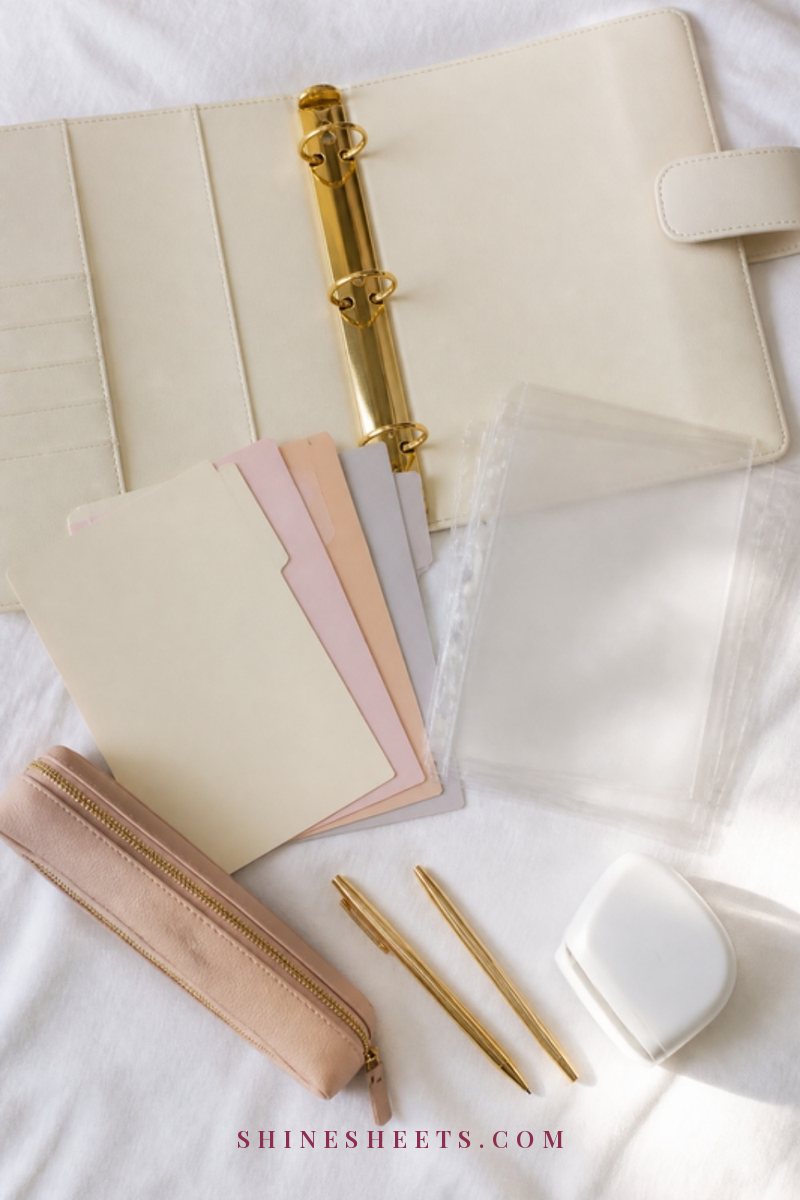
You don't need much, and you don't need to buy everything at once. Here's the short list:
- A sturdy binder. A cream 3-ring binder with a 1.5 to 2 inch ring is a good size for most homes. Look for D-rings, which hold pages flatter and turn more smoothly than round rings.
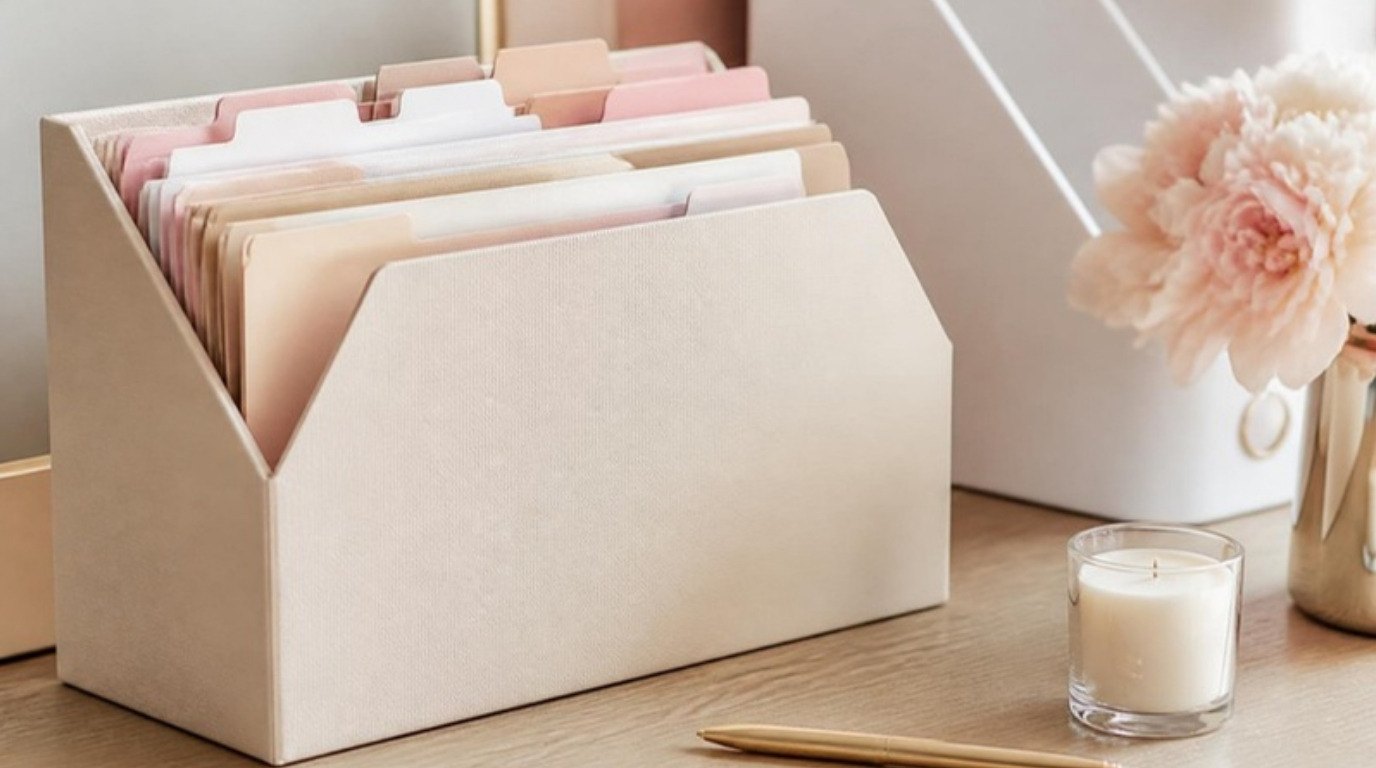
- Tab dividers. A set of pastel tab dividers with ten tabs gives every section its own home and makes the binder pretty enough that you'll want to use it.
- Sheet protectors. Clear heavy-duty sheet protectors are perfect for pages you write on with a dry-erase marker (like the weekly plan) and for appliance manuals or warranty cards you want to keep together.
- A zipper pouch. A zipper pouch that clips into the binder holds pens, spare key tags, stamps, sticky notes and loose receipts until you file them.
- Labels. A small label maker makes the tabs and spine easy to read for everyone. Handwritten labels are perfectly fine too.
- A pen holder nearby. A gold pen holder next to wherever the binder lives means there's always a pen when you need to jot something down.
That's it. Plain lined paper, a ruler and a pen will do for the pages themselves.
10 Sections To Include in Your Home Management Binder
These ten sections cover what most homes need. Skip any that don't fit your life and add your own if something important is missing. The goal is a binder that matches your real home.
1. Calendar and Key Dates
A month-at-a-glance page for each month, plus one page for dates that repeat every year: birthdays, anniversaries, insurance renewals, car registration, lease renewal, the dentist and eye doctor, and pet vaccinations. Write the yearly dates once and copy them onto each monthly page at the start of the month.
2. Weekly Planning Page
One page in a sheet protector that you write on with a dry-erase marker each week: appointments, errands, who's doing what, and one or two home tasks. This is the page that gets the most use, so put it right at the front.
3. Cleaning Routine
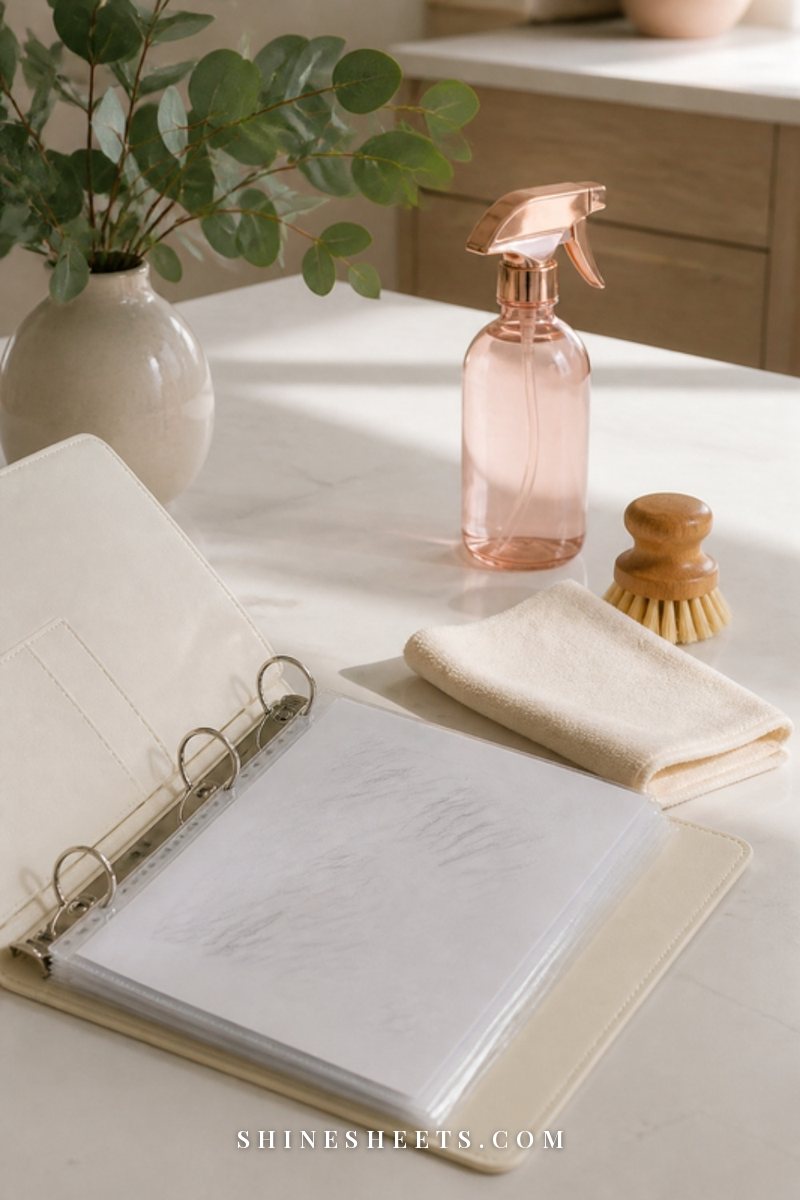
Write out your daily, weekly and monthly cleaning rhythm so it's not something you have to rethink each time. If you don't have one yet, my cleaning schedule guide gives you a simple starting point. Add a short list of seasonal tasks at the back of this section (deep-cleaning the oven, washing curtains, cleaning out the fridge) so they don't sneak up on you.
4. Meal Planning Page
Not recipes, just a simple weekly page: what's for dinner each night, what you need to buy and a running list of meals your household enjoys so you don't stare blankly at the fridge every Sunday. A separate page for "pantry staples we always keep" makes grocery lists much faster.
5. Budget Overview
A one-page summary of monthly income, fixed bills with their due dates, savings goals and any subscriptions. Keep detailed tracking wherever you like to do it. This page is just the big picture, so you can see at a glance what leaves your account and when. If budgeting still feels intimidating, start with my budgeting for beginners guide.
6. Important Contacts
Doctors, the vet, the landlord or property manager, the plumber, the electrician, the babysitter or pet sitter, neighbors you trust, the insurance company and the utility companies. Include a phone number and a note about what they helped with ("fixed the dishwasher drain, very reasonable").
7. Home Maintenance Log
A simple running log: date, what was done, who did it and what it cost. Filter changes, smoke alarm tests, gutter cleaning, a repair to the washing machine. It's surprisingly useful when something breaks again, and very helpful if you ever sell or move. For a list of what to track through the year, my home maintenance checklist pairs perfectly with this section.
8. Appliance and Warranty Info
For each major appliance, one sheet protector with the model and serial number, purchase date, where it was bought, warranty end date and the small manual (or a note of where to find it online). Also note filter sizes, light bulb types and the paint colors used in each room.
9. Emergency Information
Where the water shut-off valve, breaker box and gas shut-off are, the location of the fire extinguisher and first aid kit, a family meeting spot, and important medical notes like allergies. Keep this section short and clear, so anyone can understand it at a glance.
10. Notes and Ideas
A few blank pages at the back for everything else: gift ideas, a wish list for the home, projects for someday, a list of things to fix when you have a free afternoon. This keeps random thoughts from cluttering the other sections.
Why Passwords Don't Belong in Your Binder
Many binder guides include a password page. I'd gently skip it. A binder sits in an open spot in your home, and anyone who picks it up would have access to your bank, email and accounts. If it's lost in a move or seen by a visitor, that's a lot of risk on one sheet of paper.
Instead, keep passwords in a reputable password manager, which stores them encrypted and lets you share specific logins with a partner if needed. In the binder, you can simply write "Passwords: in the password manager" so everyone knows where to look, without the passwords themselves being on paper.
The Section-by-Section Home Binder Table
This is the overview to come back to whenever you're setting up or refreshing your binder. Screenshot it if you'd like to keep it handy.
| Section | What goes in | How often to update |
|---|---|---|
| Calendar and key dates | Monthly pages, yearly recurring dates, renewals | Monthly, plus whenever a new date comes up |
| Weekly planning page | Appointments, errands, who does what | Weekly |
| Cleaning routine | Daily, weekly, monthly and seasonal tasks | Every 3 months, or when life changes |
| Meal planning page | Dinner plan, shopping list, favorite meals list | Weekly |
| Budget overview | Income, bills and due dates, subscriptions, savings goals | Monthly |
| Important contacts | Doctors, vet, landlord, trades, insurance, neighbors | When something changes, review twice a year |
| Home maintenance log | Date, task, who did it, cost | After every repair or maintenance task |
| Appliance and warranty info | Model and serial numbers, warranty dates, filter and bulb sizes | When you buy or replace something |
| Emergency information | Shut-off locations, meeting spot, medical notes | Twice a year |
| Notes and ideas | Wish lists, gift ideas, future projects | Anytime |
How To Set Up Your Binder in One Afternoon

You don't need a whole weekend. Give yourself about three hours, put on some music and work through it in this order:
- Gather (30 minutes). Collect loose papers from the fridge, the junk drawer, your bag and the kitchen counter. Pull up your calendar, banking app and email for the dates and numbers you'll need.
- Label the tabs (15 minutes). Write or print the ten section names on your dividers and put them in order, with the weekly page at the front.
- Fill the quick sections first (45 minutes). Contacts, emergency information and key dates. These give you the biggest sense of progress.
- Add your routines (45 minutes). Write out your cleaning rhythm, a first meal planning page and a one-page budget overview. Keep them simple. You'll refine them later.
- Do the appliances and maintenance log (30 minutes). Walk around your home and note model numbers and filter sizes. Start the maintenance log with anything you remember doing recently.
- Choose a home for it (15 minutes). Decide where the binder lives, put a pen next to it and tell everyone in the home where it is.
It won't be perfect, and it doesn't need to be. A binder that's 80 percent filled in and actually used is far more helpful than a perfect one you're still planning.
How To Keep It Updated: The 15-Minute Weekly Check
A binder only stays useful if it stays current. The easiest way is to attach a short check to something you already do weekly, like a Sunday reset or the evening before grocery shopping.
- Minutes 1–5: Wipe last week's planning page and fill in the new week.
- Minutes 6–10: Write next week's dinner plan and shopping list.
- Minutes 11–13: Add any new dates, contacts or repairs from the past week.
- Minutes 14–15: Empty the zipper pouch, file or toss loose receipts.
Then, once a month, glance at the budget page and the calendar for the month ahead. Twice a year, flip through every section and remove anything outdated. That's the whole system.
How To Set Up a Digital Home Binder
If paper isn't your thing, the same ten sections work beautifully in a digital version. The key is keeping it just as simple as the paper one, so it doesn't turn into a maze of folders.
- Choose one app. A notes app you already use every day, or a shared cloud folder. The best tool is the one you open without thinking.
- Create one main folder called "Home" and ten notes or documents inside it, named exactly like the sections above.
- Pin the weekly page. Most apps let you pin a note to the top. Make it the weekly planning page so it's the first thing you see.
- Add photos instead of typing. Snap the model number sticker on the washing machine, the label inside the breaker box and the warranty card, and drop the photos into the right section.
- Share it on purpose. Share only the everyday sections with your household, and keep anything sensitive in a secure, separate place.
Even with a digital binder, many people like to keep one paper page on the fridge: the weekly plan and the emergency contacts. That way the most important information is visible to everyone, even when phones are off.
Common Home Binder Mistakes To Avoid
If you've tried a binder before and it didn't stick, one of these is usually the reason. None of them mean you're "not an organized person." They just mean the system needs a small adjustment.
- Too many sections. Twenty tabs feel impressive on day one and exhausting by week three. Start with the sections you'll actually open.
- Making it too pretty to touch. If you're afraid to scribble in it, it'll stay on the shelf. A little mess means it's being used.
- Hiding it away. A binder in a closed cupboard is easy to forget. Keep it somewhere visible and within reach.
- Treating it as storage. Tax documents, old bills and certificates belong in a filing system, not here. The binder is for working information.
- Doing it all alone. If you share a home, the binder works best when other people know about it and add to it too.
Where To Keep Your Binder
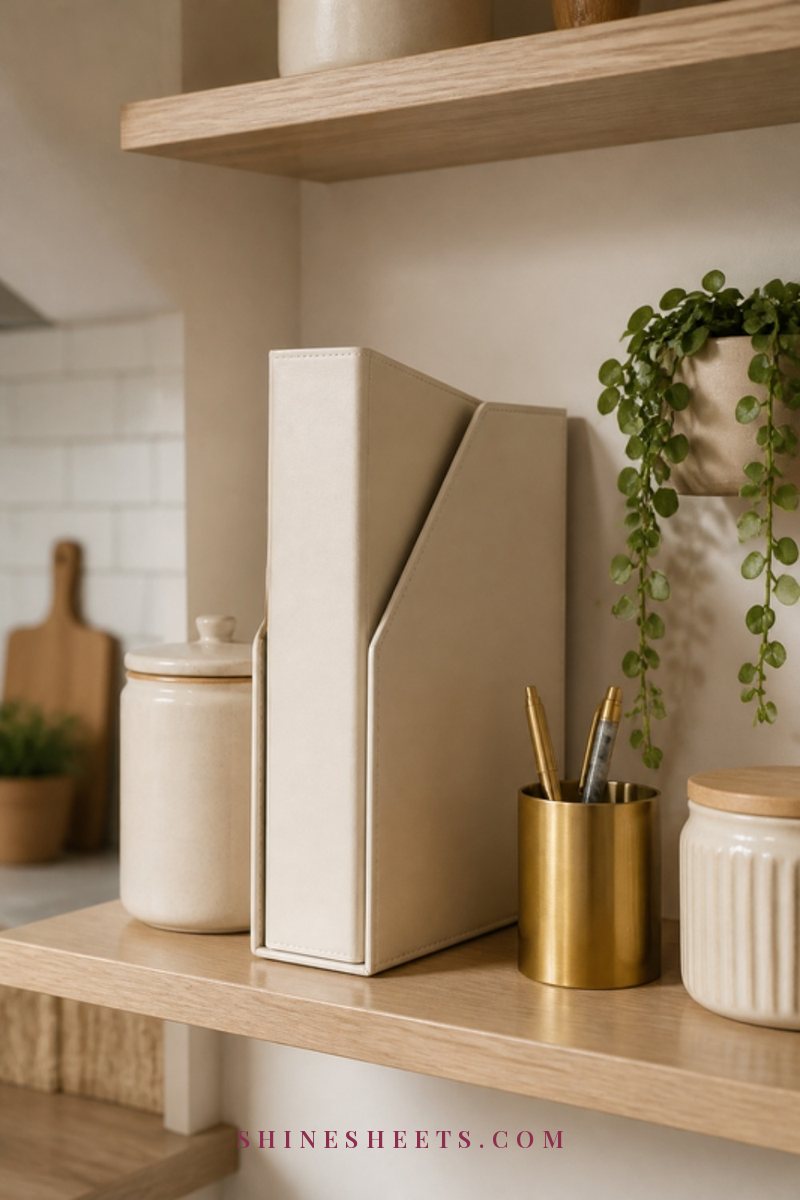
The binder should live where household decisions happen, which in most homes is the kitchen. Good spots include a shelf near the fridge, a drawer by the entryway or a small basket on the kitchen counter. Wherever it goes, it should be easy to grab and easy to put back, ideally without opening a cupboard.
A few small touches help it blend in with your home: a cream or neutral binder, a matching magazine file to hold it upright and a pen holder next to it. When it looks nice, you're more likely to leave it out, and when it's out, you're more likely to use it.
Making a Home Binder Work for a Shared Home
A binder is a wonderful way to share the household brain with a partner, roommates or older family members. A few things make it work:
- Walk them through it once. Five minutes showing where things are is enough.
- Agree on who updates what. One person owns the meal page, another owns the maintenance log. Shared ownership means shared responsibility.
- Use the weekly page together. A quick Sunday look at the week ahead avoids a lot of "I didn't know about that."
- Keep handwriting clear. If others can't read it, they won't use it.
The goal isn't for one person to manage everyone through the binder. It's for the information to belong to the whole household, so the work can, too.
Final Thoughts
A home management binder won't make your home perfect, but it will make it calmer. Every number you write down is one less thing to carry in your head, and every routine on paper is one less decision to make on a tired evening.
Start this afternoon with three sections, add the rest when you have time, and give it fifteen minutes a week. Your future self, standing in the kitchen and finding exactly what she needs, will be so grateful.