Being organized at work has very little to do with color-coded folders or a perfectly empty inbox. It's about having a few reliable places where things live and a few small moments each day when you check them. When those are in place, your brain stops trying to remember everything at once, and the whole day feels calmer, even when it's busy.
This guide is all about how to be more organized at work, whether you're at an office desk, a shared hot desk or a corner of your kitchen. You'll find 20 simple habits grouped into your desk, your inbox and digital files, your tasks and priorities, your calendar and meetings, and how you end the day, plus a daily three-touchpoint system and a weekly reset table that hold it all together.
You don't need all 20. Pick three that solve your most annoying problem and start there.
Why Being Organized Makes Work Feel Calmer
Disorganization is rarely about laziness. It's usually about too many open loops: the email you meant to answer, the note on a scrap of paper, the task someone mentioned in a meeting. Each one takes up a little mental space, and together they create that low, constant hum of "I'm forgetting something."
Organization closes those loops. Every task, file and note gets a home you trust, so your mind can focus on the work in front of you. As someone prone to anxiety I mostly manage, I've found this is the single biggest reason to get organized: not to be more impressive, but to feel less scattered.
Not sure where to start? Match the habits to your biggest frustration:
- "I can never find anything." Start with habits 1, 3 and 8.
- "My inbox runs my day." Start with habits 6, 7 and 16.
- "I'm busy all day but nothing important gets done." Start with habits 11, 12 and 14.
- "I can't switch off after work." Start with habits 19 and 20 and the shutdown touchpoint.
Desk Habits: 5 Ways To Organize Your Workspace
1. Give Everything on Your Desk a Home
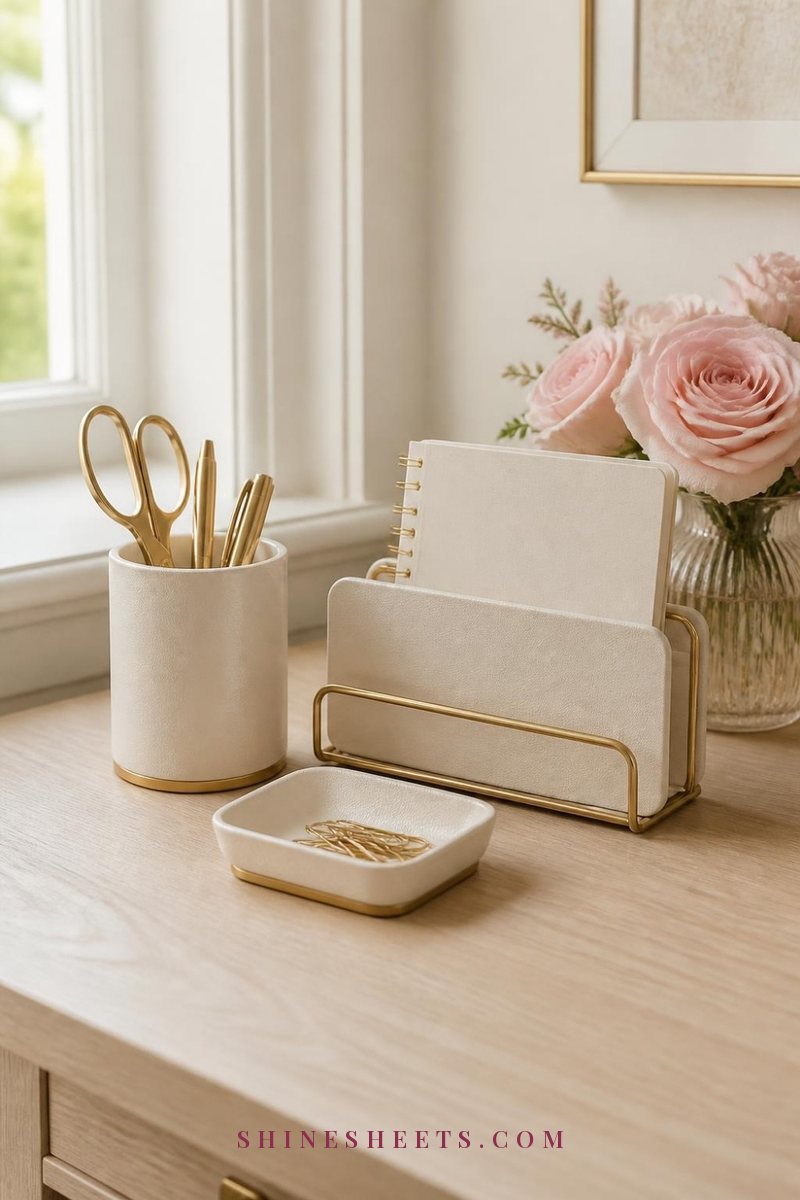
Clutter on a desk is usually just items without a home. Sort what's on your desk into three groups: things you use daily, things you use weekly and things you rarely touch. Daily items stay within arm's reach, weekly items go in a drawer and everything else leaves the desk entirely.
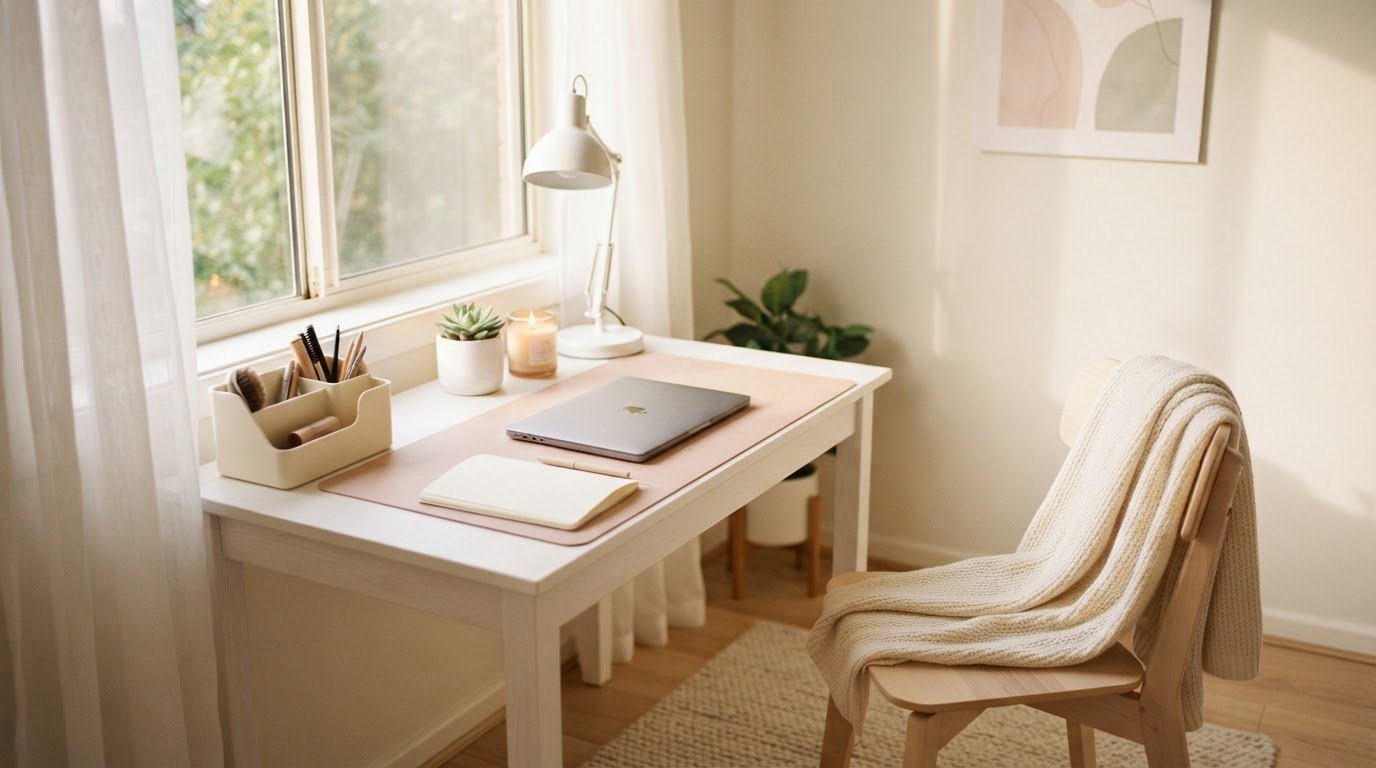
A matching cream and gold desk organizer set (a pen cup, a small tray and a letter holder) gives your daily items a clear place. When everything has a spot, putting things away takes seconds.
2. Keep Your Desk Surface 70 Percent Clear
Aim to have most of your desk empty, with only your work tools, a notebook and one or two personal touches. A clear surface makes it easier to start work and gives your eyes somewhere calm to rest. If you work from home, my ideas for a cozy home office show how to keep a desk pretty without it getting cluttered.
3. Keep Paper in One Vertical File
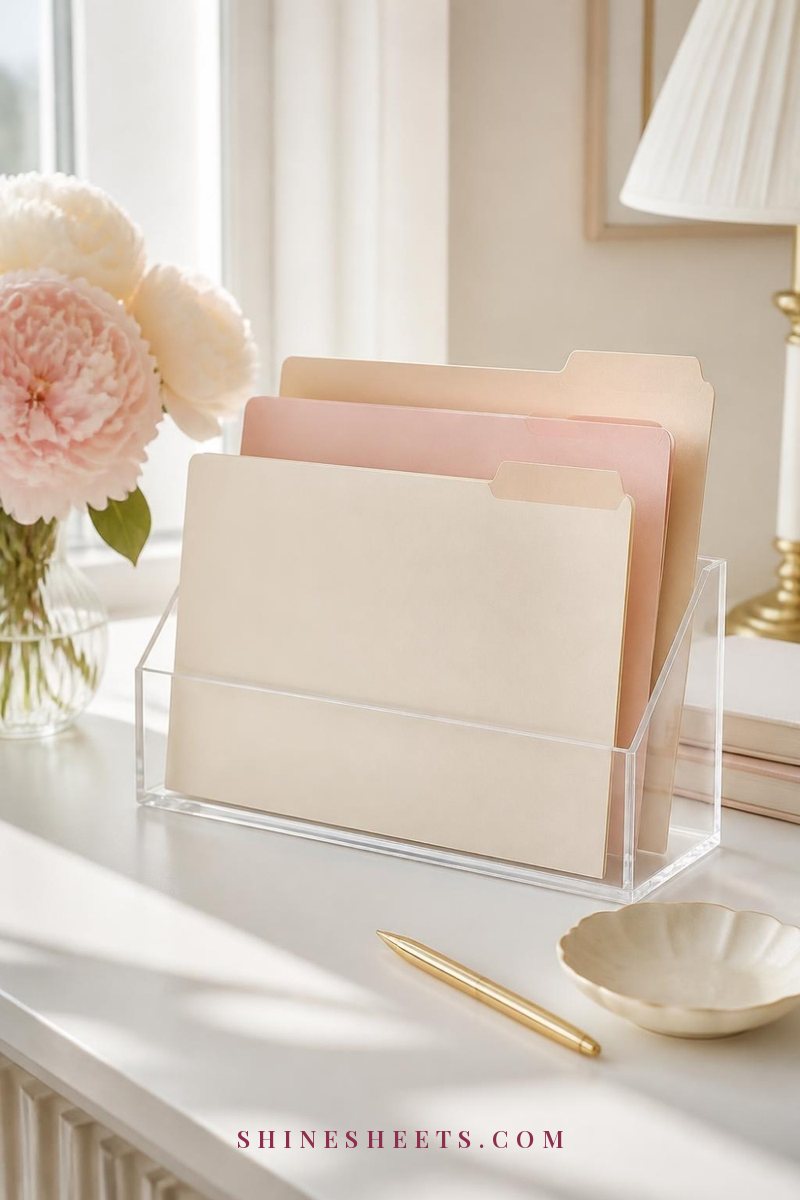
Flat piles of paper hide what's in them. Instead, stand papers up in a clear acrylic file holder with three labeled folders: To Do, Waiting On and To File. Any new paper goes in one of the three immediately. Empty the "To File" folder once a week during your reset.
4. Tame the Cables
Tangled cords make any desk look messy, even when everything else is tidy. Gather chargers and power strips into a white cable organizer box under or behind your desk, and use small reusable ties for the rest. It's a ten-minute job that makes your space feel noticeably calmer.
5. Light Your Desk Properly
Dim, flat light makes you tired faster. If you can, face or sit beside a window, and add a soft cream desk lamp with a warm bulb for gray mornings and late afternoons. Good light isn't strictly "organization," but it makes sitting down to work much more inviting.
Inbox and Digital Habits: 5 Ways To Organize Your Screen Life
6. Check Email at Set Times
Instead of answering every email the moment it arrives, check your inbox at two or three set times, for example at 9:30, 1:00 and 4:00. In between, close the tab or turn off notifications. If your role needs quick replies, check every hour on the hour rather than every few minutes.
7. Use a Four-Folder Inbox System
Every email gets one of four decisions, and each decision has a folder:
- Action: needs a reply or task from you that takes more than two minutes.
- Waiting: you've replied and are waiting on someone else.
- Reference: information you might need later.
- Archive: everything else, done and out of sight.
If an email takes less than two minutes, answer it right away and archive it. Your inbox then becomes a place for new mail only, not a to-do list.
8. Name Files So You Can Find Them
Use one simple naming pattern for every file: date, project, what it is. For example, a file vaguely called "budget new FINAL" becomes "0912 Budget Q3 Draft2" (month and day first, then the project, then the version). Dates at the start keep files in order automatically. Keep it consistent, and search becomes your best friend.
9. Keep Folders Shallow
Three levels of folders is plenty: Area (e.g. Clients, Admin, Projects), Project and Files. Deeply nested folders feel organized but take longer to navigate. Add an "Archive" folder in each area for finished projects so active work stays visible.
10. Clear Your Desktop Every Friday
Your computer desktop is like a physical desk: a handy landing spot that quickly turns into chaos. Every Friday, move everything into its proper folder or delete it. Keep one temporary folder called "Inbox" on the desktop for quick saves and new files, and empty it weekly.
Task and Priority Habits: 5 Ways To Organize Your To-Dos
11. Keep One Task List, Not Five

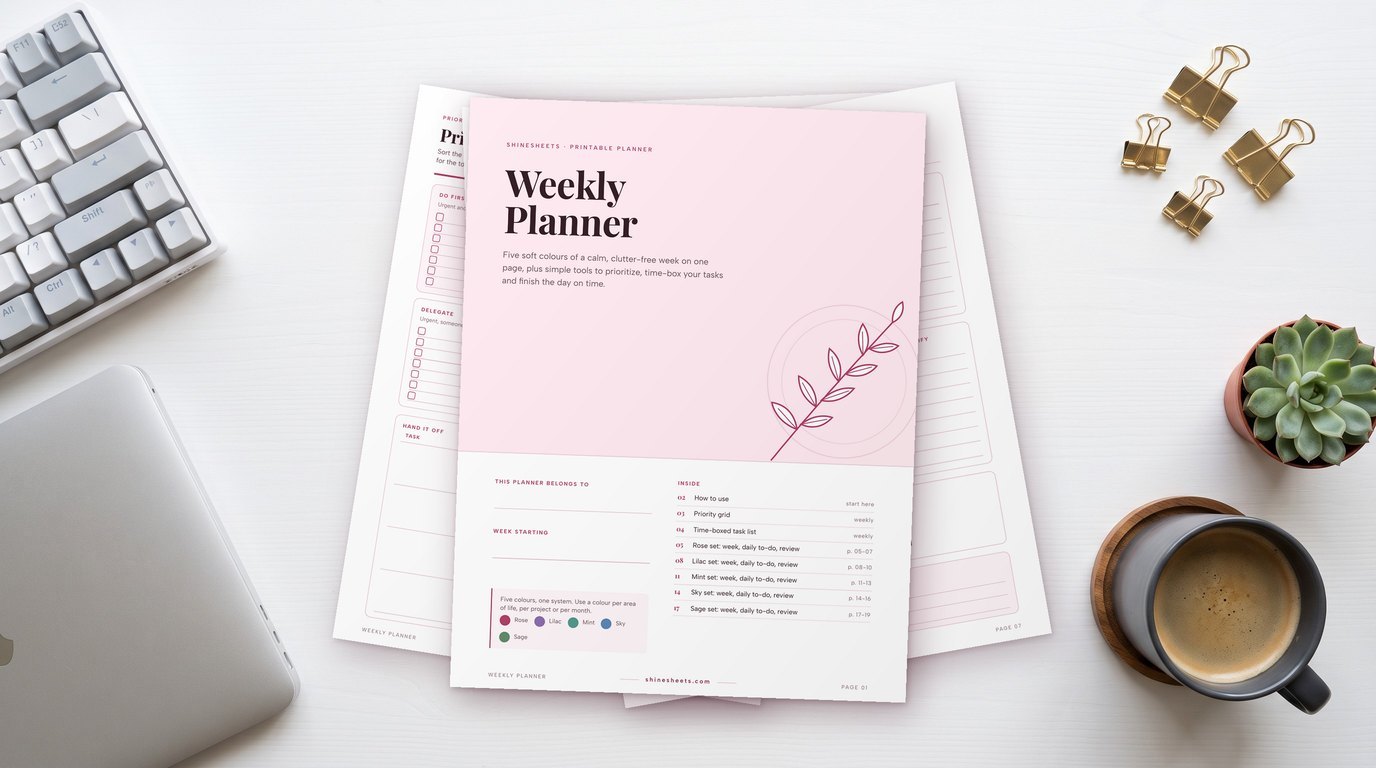
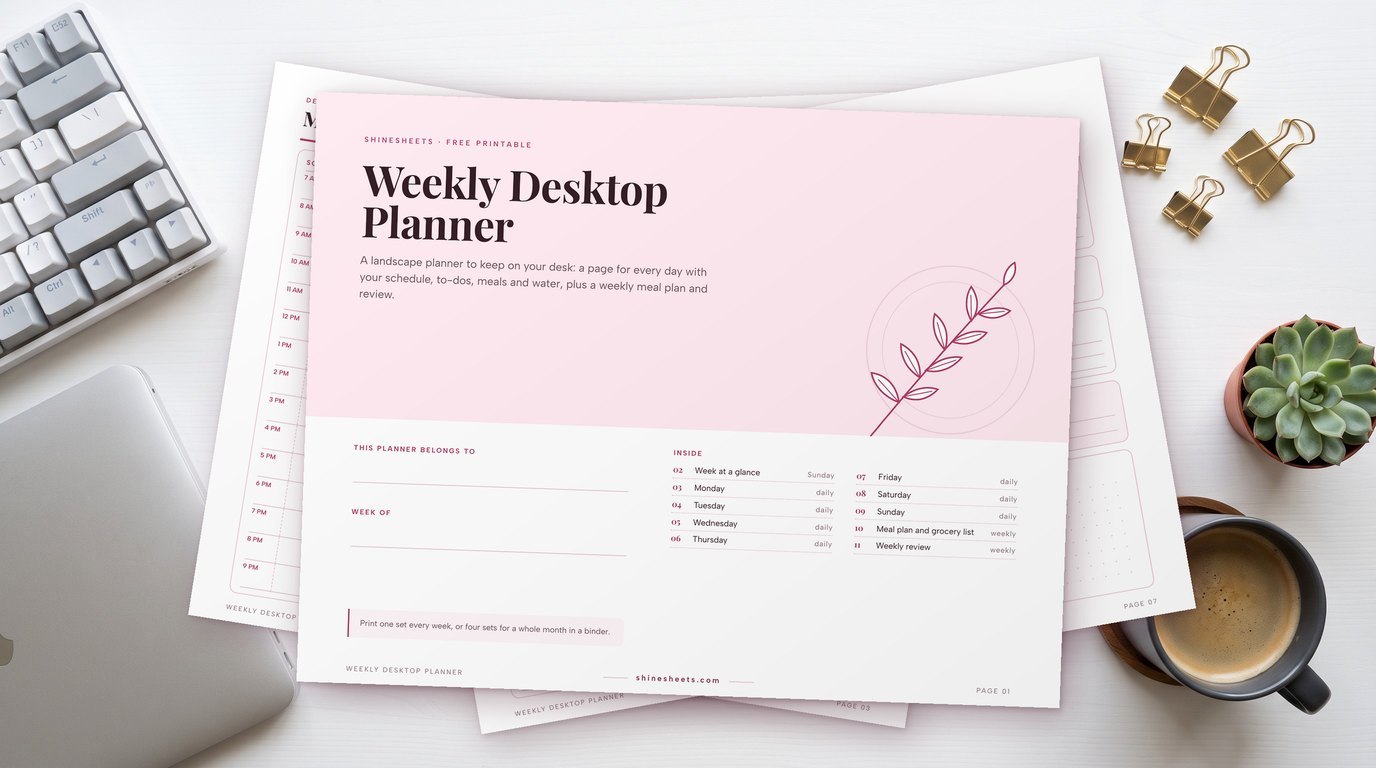
Tasks scattered across sticky notes, emails, a notebook and an app are impossible to trust. Choose one main place for every task, whether that's an app or paper, and make it the only list. I'd choose a weekly desk planner pad if you like seeing the week at a glance, since it sits right next to your keyboard and you can tear off a fresh sheet every Monday.
12. Pick Your Top Three Every Morning
From your list, choose three tasks that would make today a success if they were the only things you finished. Write them at the top. Everything else is a bonus. This simple habit protects you from spending the whole day on small, urgent but unimportant things.
13. Sort by Impact and Urgency
When the list feels overwhelming, sort quickly:
- Important and urgent: do today.
- Important, not urgent: schedule a time this week.
- Urgent, not important: delegate, batch or do quickly.
- Neither: delete or move to a "someday" list.
14. Break Big Tasks Into Next Steps
"Prepare the presentation" isn't a task, it's a project. Your list should hold the very next physical action: "Open last quarter's slides and copy the outline." Clear next steps make it far easier to start, which is half the battle. If starting is your biggest struggle, my guide on how to stop procrastinating has fifteen tricks for stuck moments.
15. Use Sticky Notes for Today Only
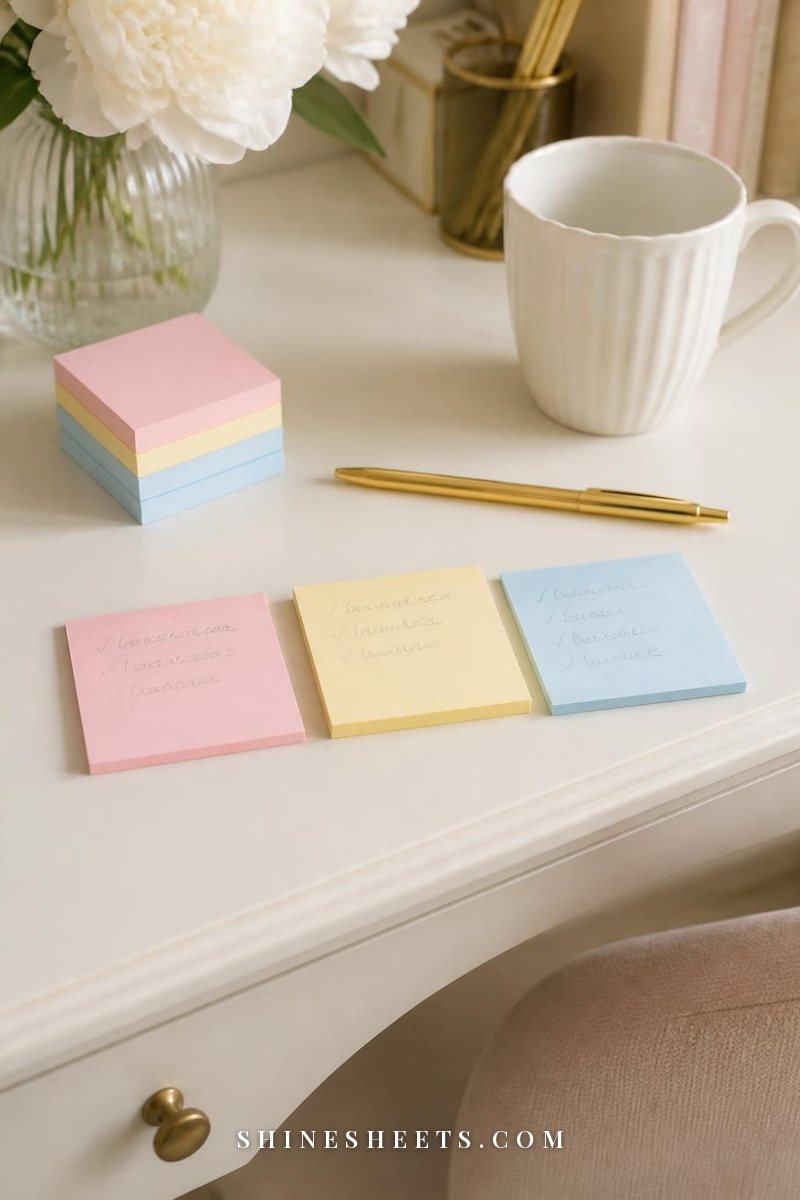
Sticky notes are wonderful for quick thoughts, but they multiply. Give them one rule: they're for today only. Use a set of pastel sticky notes, one color per purpose (pink for your top three, yellow for calls, blue for quick reminders), and at the end of the day transfer anything unfinished to your main list and recycle the notes.
Calendar and Meeting Habits: 3 Ways To Organize Your Time
16. Block Time for Focused Work
If your calendar only shows meetings, every empty slot looks available to everyone else. Block one or two 60–90 minute focus sessions each day, ideally in the morning when energy is highest, and treat them like any other appointment. My guide to time blocking for beginners walks you through setting it up step by step.
17. Add Buffers Between Meetings
Back-to-back meetings leave no time to write notes, refill your water or think. Schedule meetings for 25 or 50 minutes instead of 30 or 60, and use the gap to jot down action items before the next one starts.
18. Keep Meeting Notes in One Format
Use the same simple layout for every meeting so notes are easy to scan later:
- Date and meeting name at the top.
- Key points: three to five short lines.
- Decisions: what was agreed.
- Actions: who does what, by when.
Right after the meeting, move your own action items to your main task list. Notes that hold tasks are notes you'll forget.
End-of-Day Habits: 2 Ways To Close Your Workday
19. Do a 10-Minute Shutdown
The end-of-day shutdown is the habit that makes the biggest difference to how organized you feel tomorrow. Spend ten minutes before you leave (or close your home office door) reviewing what you finished, moving unfinished tasks to tomorrow, clearing your desk and writing tomorrow's top three. You'll find the full checklist in the system below.
20. Leave Yourself a Starting Note
Before you finish, write one sentence about where to begin tomorrow: "Start by finishing the second section of the report." Leave it on your keyboard or at the top of your list. Starting tomorrow will take seconds instead of twenty minutes of figuring out where you were.
The Daily 3-Touchpoint System
Habits work best when they have a rhythm. This system gives your day three short check-ins that hold the other habits together. Screenshot it and keep it beside your desk until it becomes automatic.
Morning Touchpoint (10 Minutes)
- Clear your desk surface of anything left from yesterday.
- Read your starting note from yesterday.
- Check your calendar for meetings and deadlines.
- Do a first email check, sorting into the four folders without replying to everything.
- Choose today's top three and write them at the top of your list.
- Block your focus time if it isn't already on the calendar.
Midday Touchpoint (5 Minutes)
- Look at your top three: are they on track?
- Move new tasks from emails, meetings and sticky notes into your main list.
- Adjust the afternoon plan if something urgent appeared.
- Refill your water and step away from the desk for a moment.
Shutdown Touchpoint (10 Minutes)
- Tick off what you finished today, even the small things.
- Move unfinished tasks to tomorrow or a later day.
- Do a last quick email sort.
- File loose papers into To Do, Waiting On or To File.
- Clear your desk surface and transfer or recycle sticky notes.
- Write tomorrow's starting note and your top three.
Twenty-five minutes a day sounds like a lot, but most people spend far more than that looking for files, rereading emails and trying to remember what they were supposed to do.
Your Weekly Reset Table

Once a week, usually Friday afternoon or Monday morning, give your work life a 30-minute reset. This is where small messes get cleared before they grow. For the planning part, my guide on how to plan your week goes deeper.
| Area | What to do | Time |
|---|---|---|
| Task list | Review every task: finish, schedule, delegate or delete. Add next steps to big projects. | 8 min |
| Calendar | Look at next week's meetings and deadlines. Block focus time and add buffers. | 5 min |
| Inbox | Empty the Action folder or schedule each item. Follow up on anything in Waiting. | 6 min |
| Paper | Empty the To File folder. Recycle what you no longer need. | 3 min |
| Digital files | Clear your desktop and temporary folders. Move finished projects to Archive. | 4 min |
| Desk | Wipe the surface, return stray items to their homes, restock pens and notes. | 3 min |
| Reflection | Write one thing that went well and one thing to improve next week. | 1 min |
If thirty minutes feels like too much, do only the task list and calendar rows. Those two alone will make next week feel much more under control.
Organizing When You Work From Home
Home offices bring their own challenges: the desk that's also the dining table, the laundry calling from the next room, the lack of a commute to signal start and stop. A few adjustments help:
- Create a start ritual. Make your coffee or tea, open the window and sit down at the same time each day. A ritual replaces the commute.
- Use a work basket. If you work at a shared table, keep your laptop, notebook and chargers in one basket you can tuck away in the evening.
- Close the day physically. Shut the notebook, turn off the lamp and put the basket away. Your shutdown touchpoint matters even more at home.
- Keep home tasks off your work list. A separate small list for household jobs stops them from creeping into your focus time.
5 Organization Mistakes That Make Work Feel Harder
Sometimes the problem isn't a lack of effort, it's a habit that quietly works against you. Here are the most common ones and what to do instead.
1. Building a System Too Complicated To Keep
Ten folders, four apps and a color code for everything feels exciting on day one and exhausting by week two. If a system takes more than a few minutes a day to maintain, simplify it. The best system is the one you'll actually use on a tired Thursday.
2. Organizing Instead of Working
Rearranging your task list or reorganizing folders can feel productive while the real work waits. Give organizing its set moments (the three touchpoints and the weekly reset) and protect the rest of your time for doing.
3. Keeping Tasks in Your Head
"I'll remember that" is the beginning of most forgotten tasks. Anything that takes more than two minutes and can't be done right now goes on your list immediately, even mid-conversation. Your brain is for thinking, not storage.
4. Saying Yes Without Checking Your Calendar
Agreeing to a deadline before you've looked at your week is how calm weeks turn chaotic. Use a simple line: "Let me check my week and confirm by this afternoon." Then look at your calendar and list before you commit.
5. Expecting Perfection Every Day
Some days the shutdown won't happen, the inbox will overflow and the desk will disappear under paper. That's normal. Organization isn't a streak you can break, it's a place you return to. Small, steady habits matter far more than flawless ones, and my guide on how to be more disciplined without burning out has more on keeping habits gentle.
Final Thoughts
Learning how to be more organized at work isn't about becoming a different person or a perfectly tidy one. It's about giving your tasks, papers and files a home, and checking in on them a few times a day, so your mind can rest on the work that matters.
Start with the shutdown touchpoint this week. Ten minutes at the end of each day is a small gift to tomorrow's version of you, and it's often the habit that makes all the others fall into place.